APPLE PASSWORDS CASE STUDY
Building trust and autonomy with Apple Vault password management.
Role
UX Research & Design
TIMELINE
September – October 2024

CONTEXT
The average person has 100+ passwords.
Source: NordPass, 2024
OVERVIEW
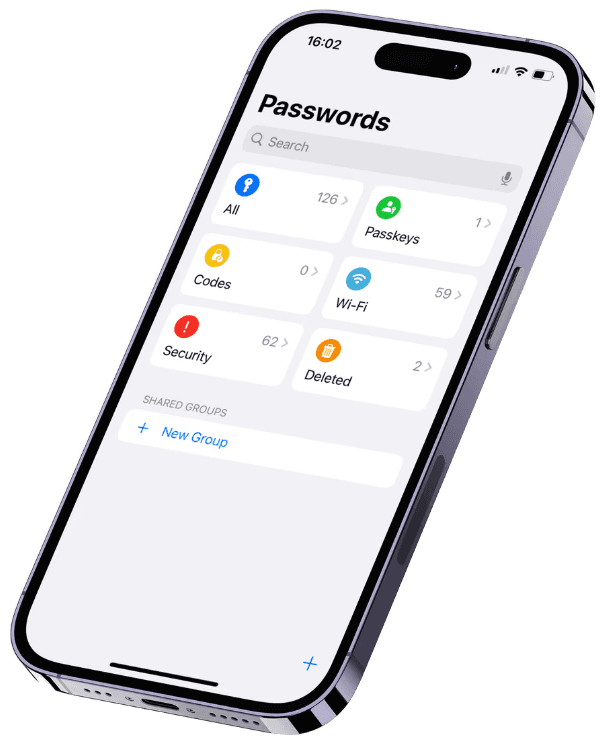
Apple’s password management app was released with iOS 18.
To understand how Apple’s 1.38 billion users currently view the app, a cognitive walkthrough was performed to assess 3 key screens. This identified multiple opportunities for improvement.

PAIN POINTs
Apple users currently…
…struggle to determine which passwords would be changed first.
…struggle to change passwords quickly, because the process is different for every account.
…aren’t encouraged to change passwords frequently, and avoid creating strong passwords because they can be difficult to enter.
IDEATION
60+ ideas in 30 minutes.
Using the Crazy 8’s method, 60 feature concepts were rapidly generated.
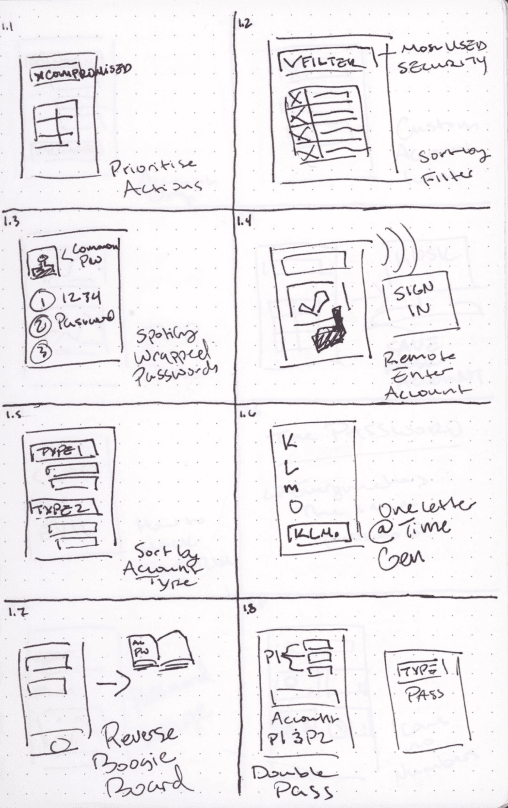
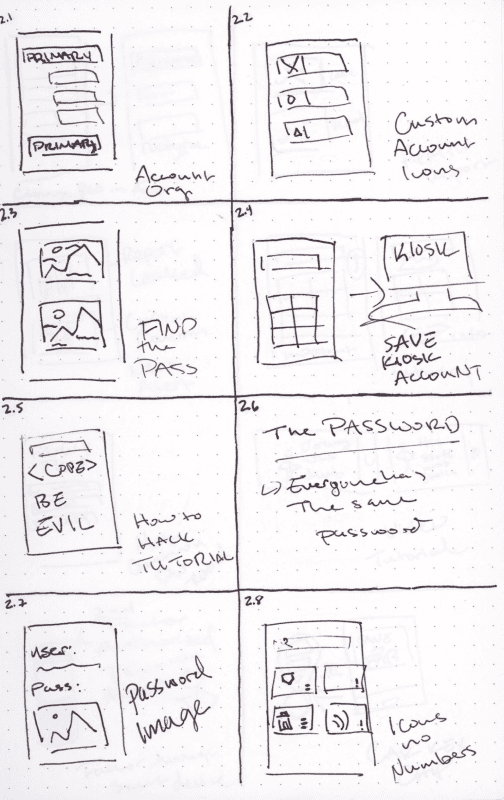
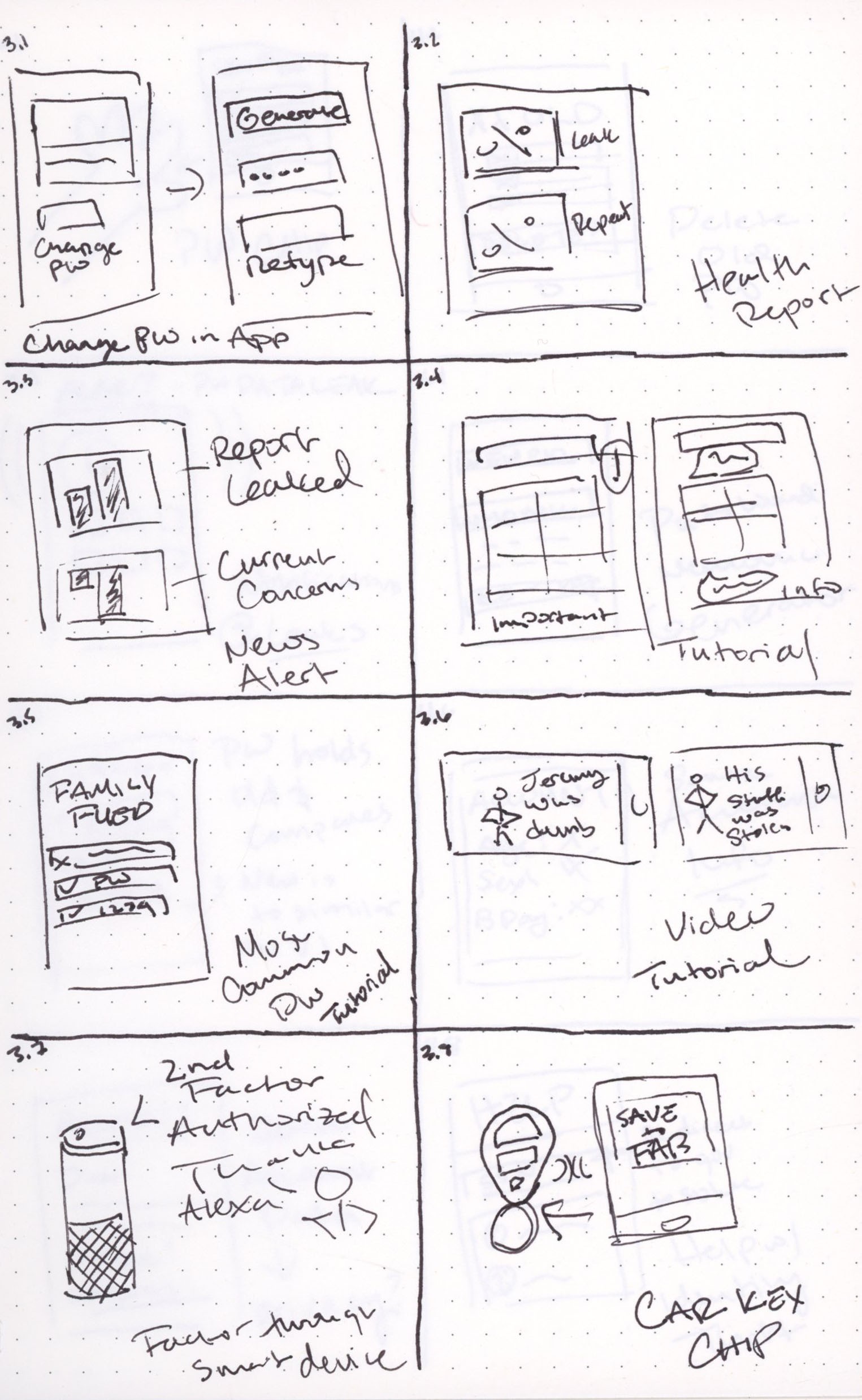
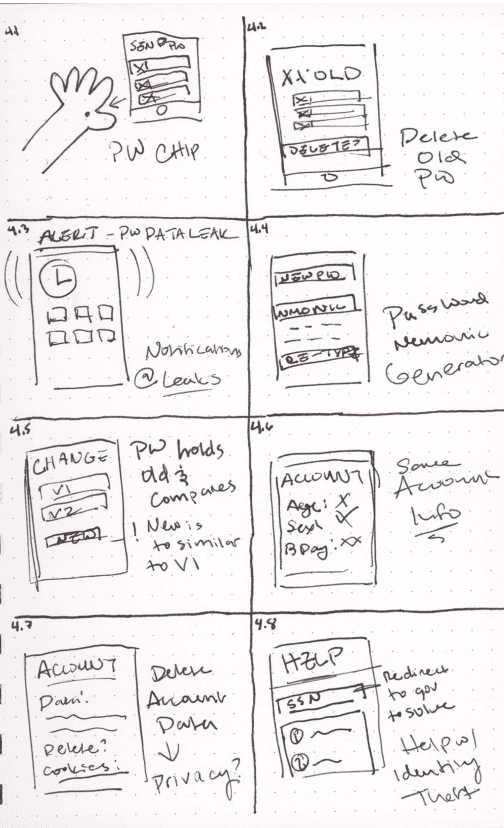
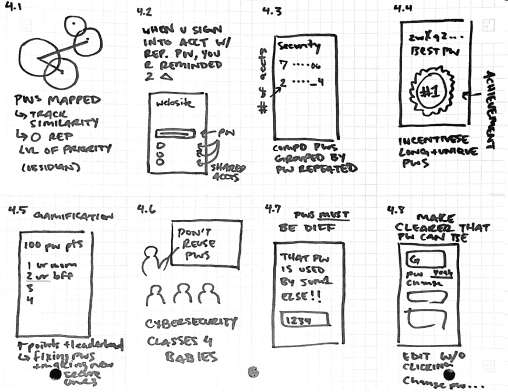
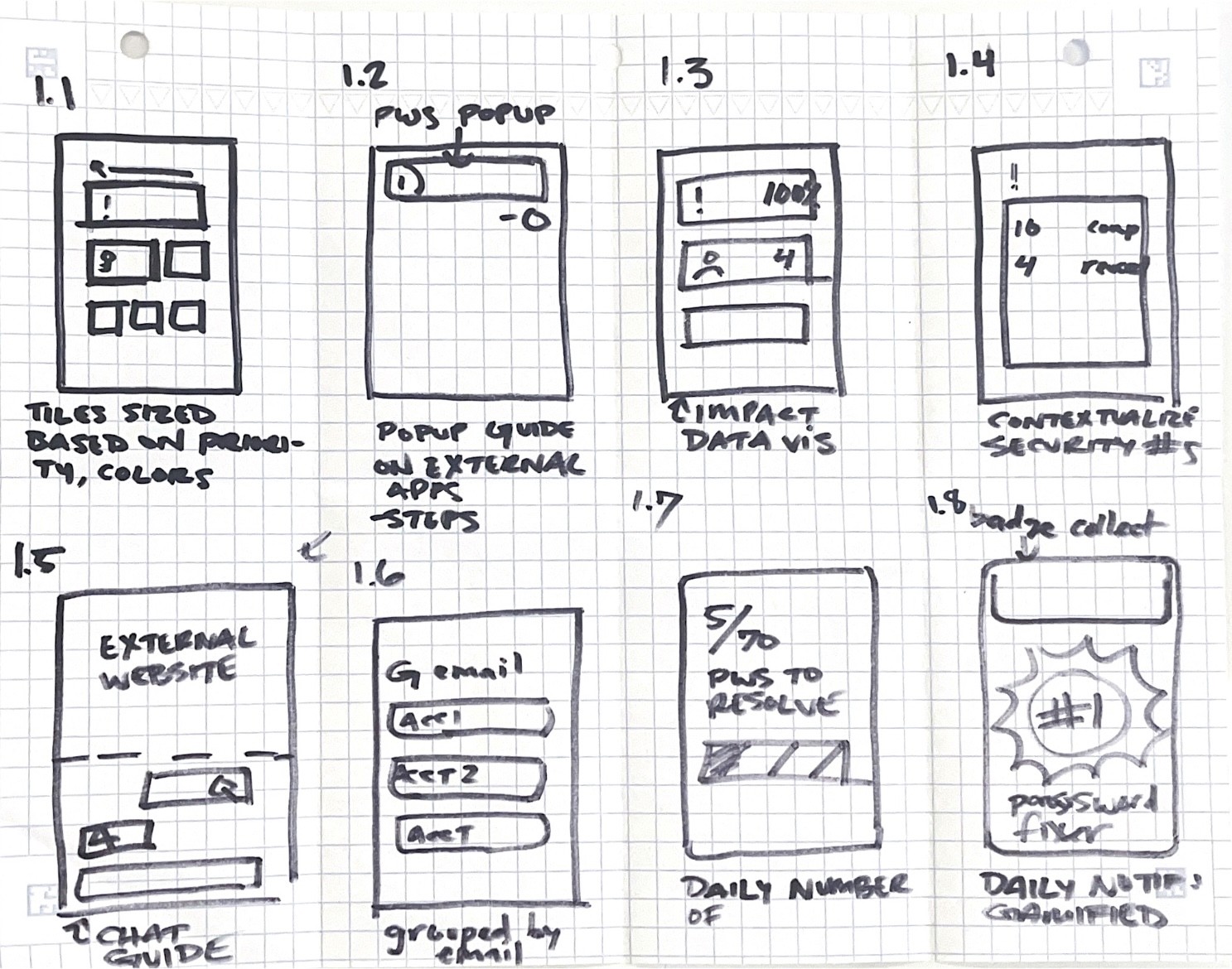
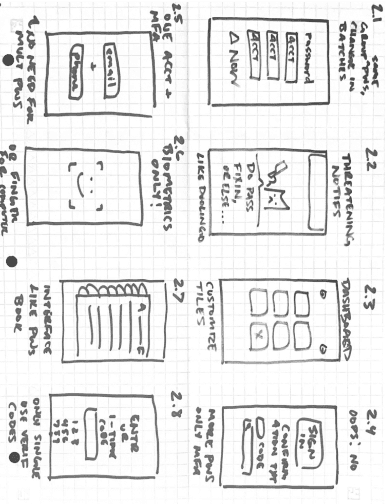
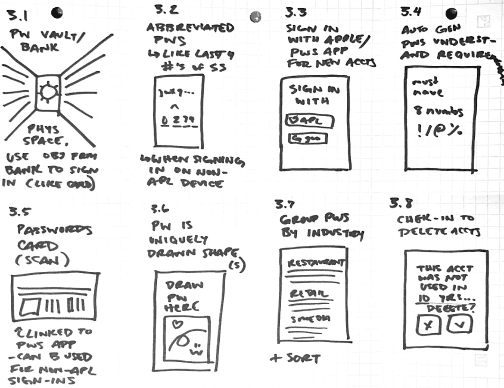
Organize to prioritize.
Concepts were sorted based on positive impact for the user and technical feasibility.
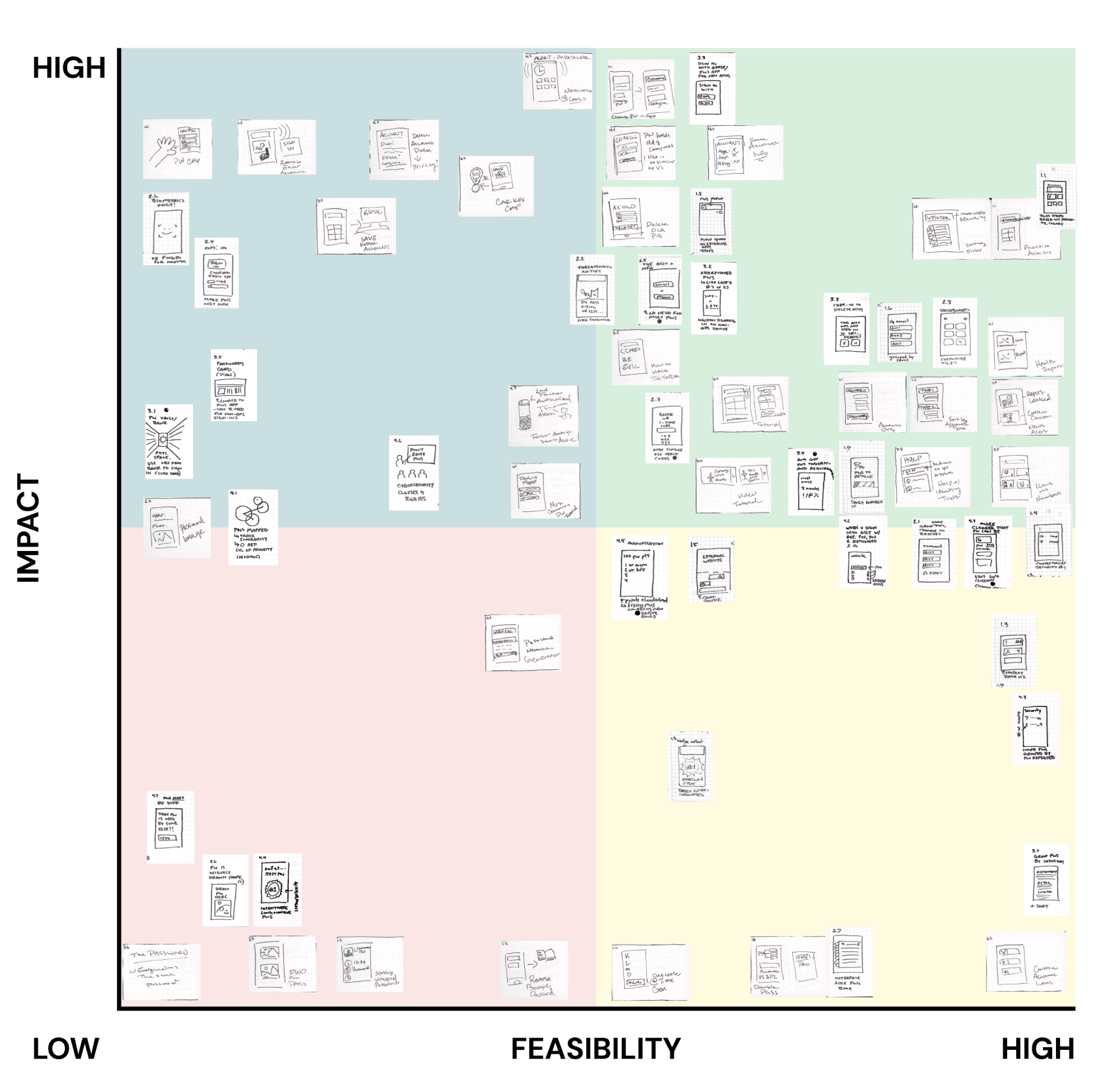
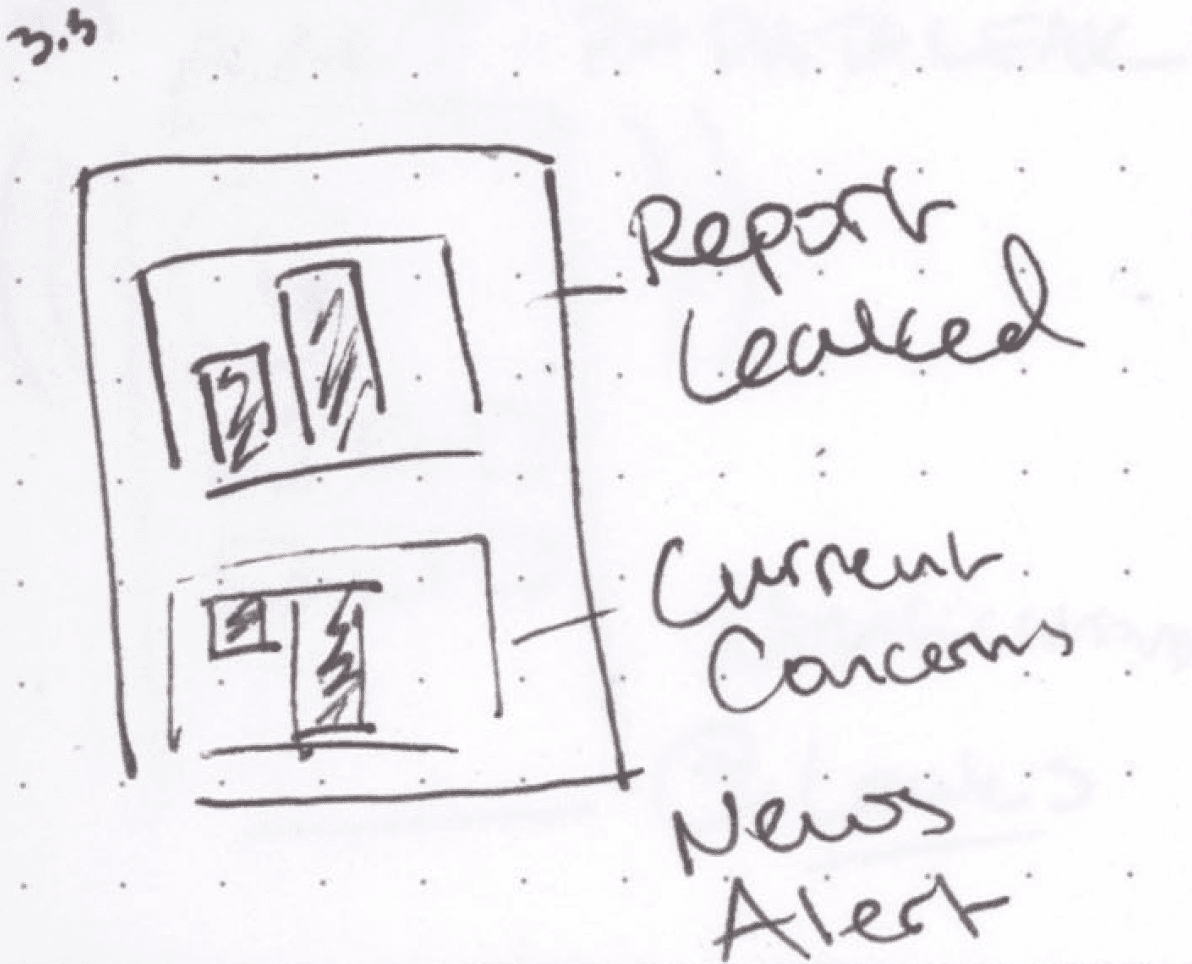
Many unconventional ideas were created to challenge the status quo.
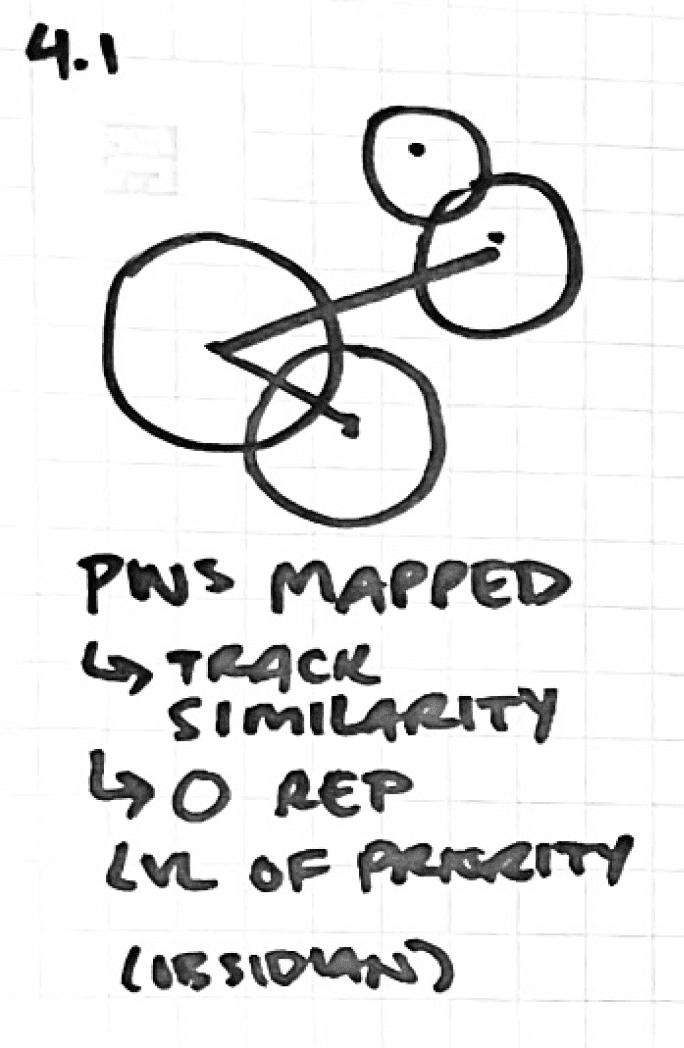
4.1b Visually map passwords based on similarity/importance.
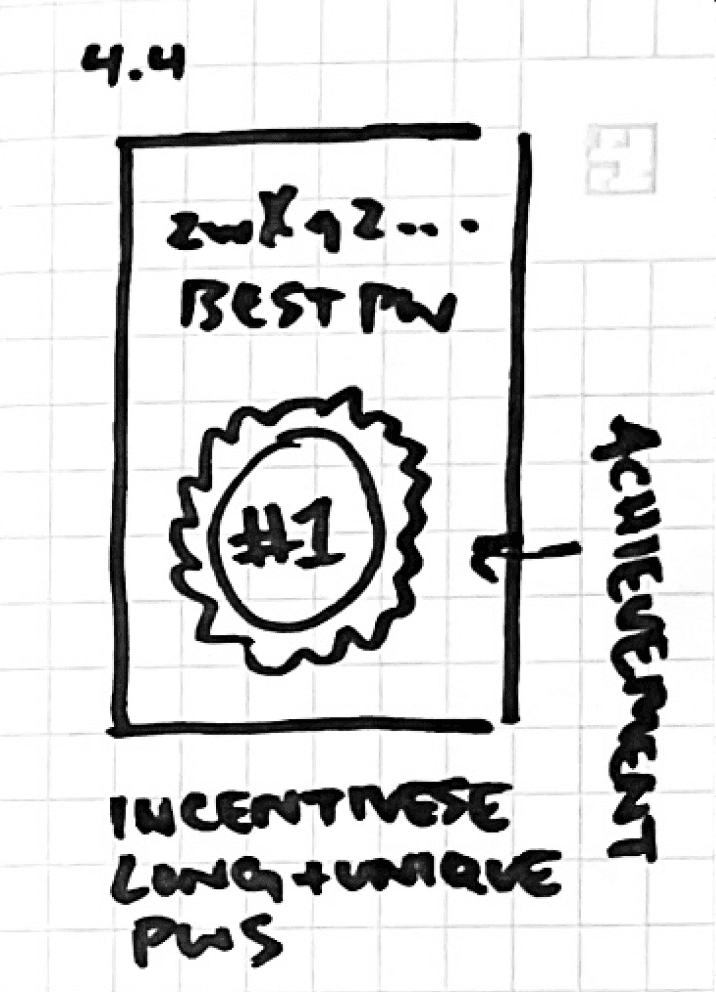
4.4b Encourage competition to incentivize unique password creation.
PROTOTYPING
Low-fidelity wireframes were created to explore concepts in greater detail.
Prototype A (top) includes features like new organization and navigation, tiered warning icons, and in-app password generation.
Prototype B (bottom) includes features like tile re-organization and a password changing instruction overlay.
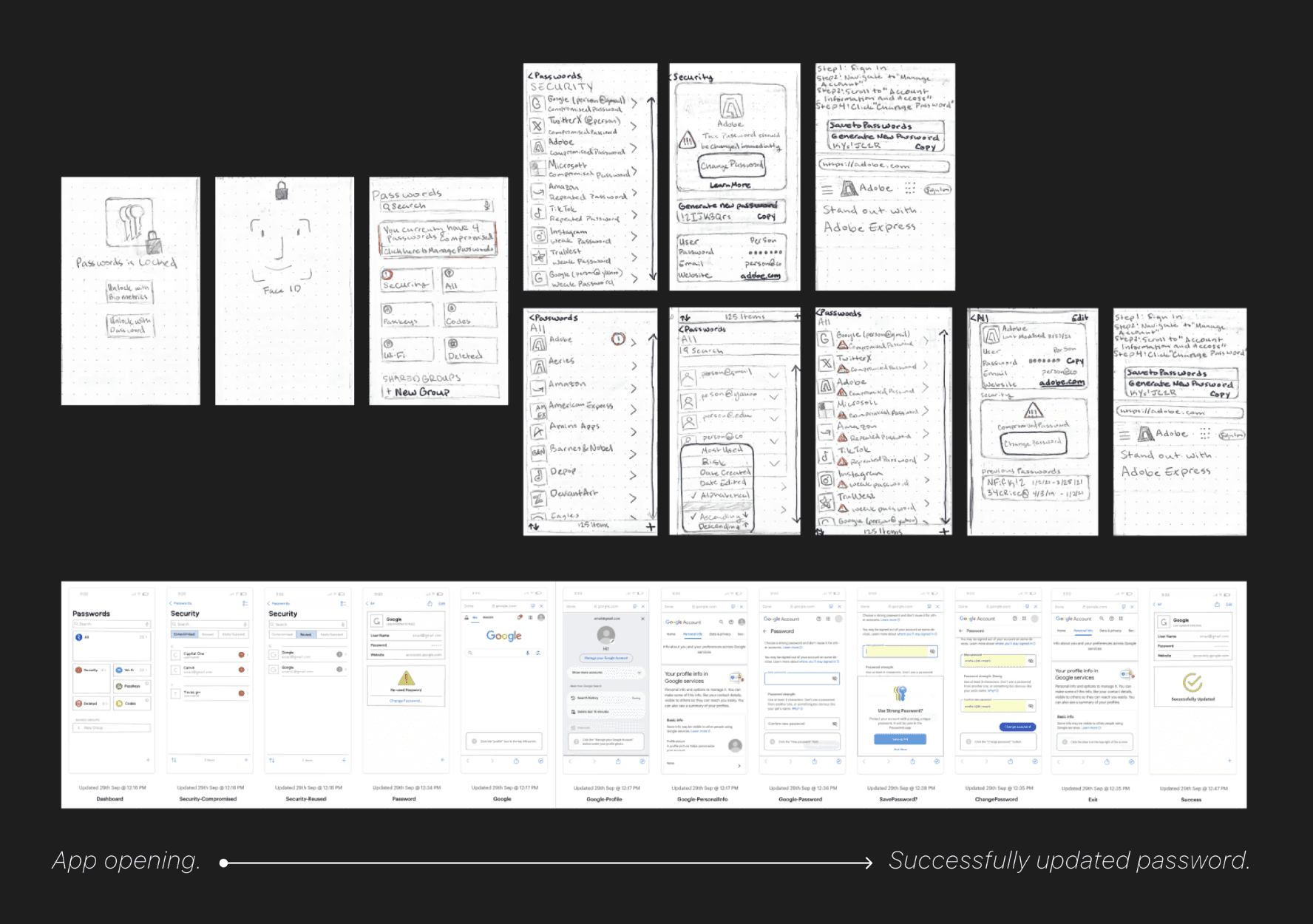
A few key features were tested to improve navigation within the passwords app.
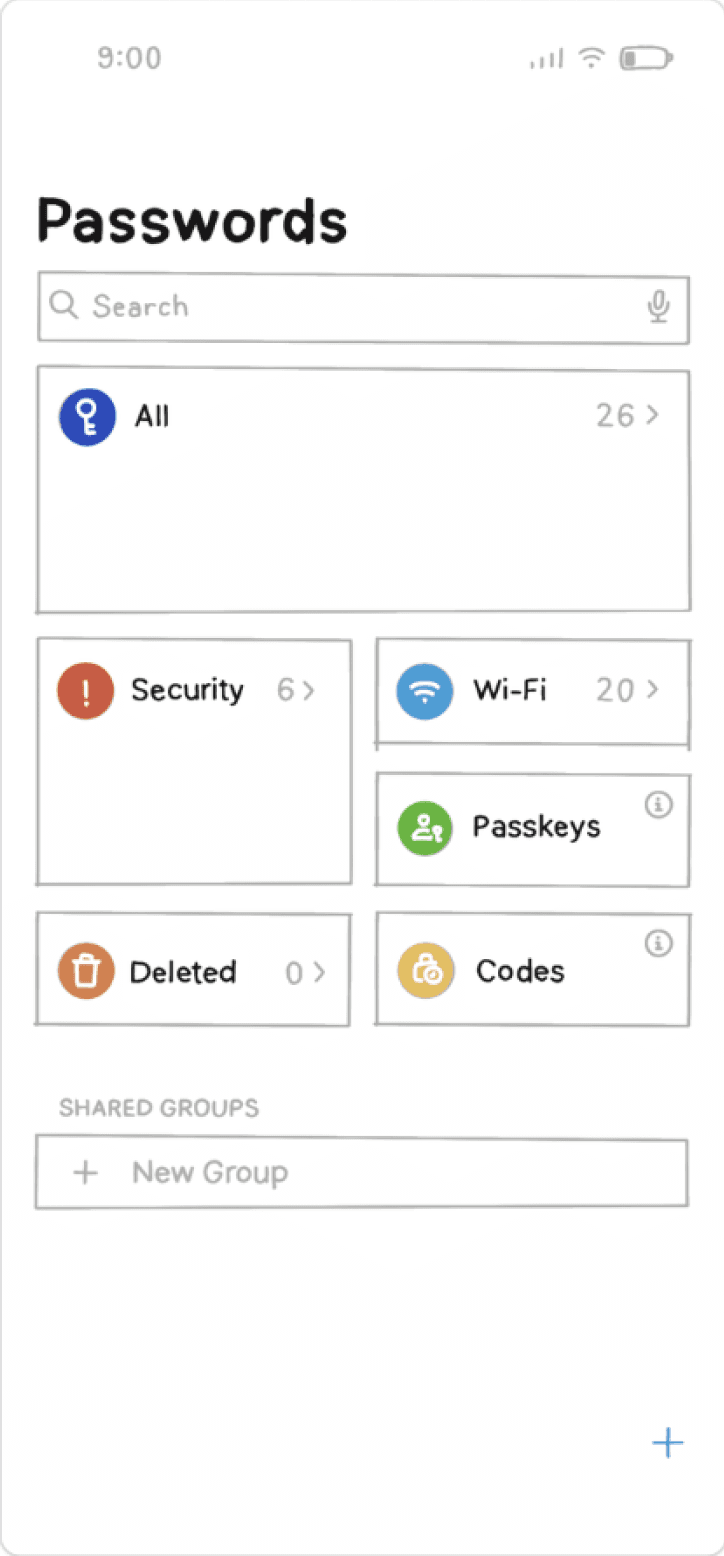
Re-prioritized tiles.
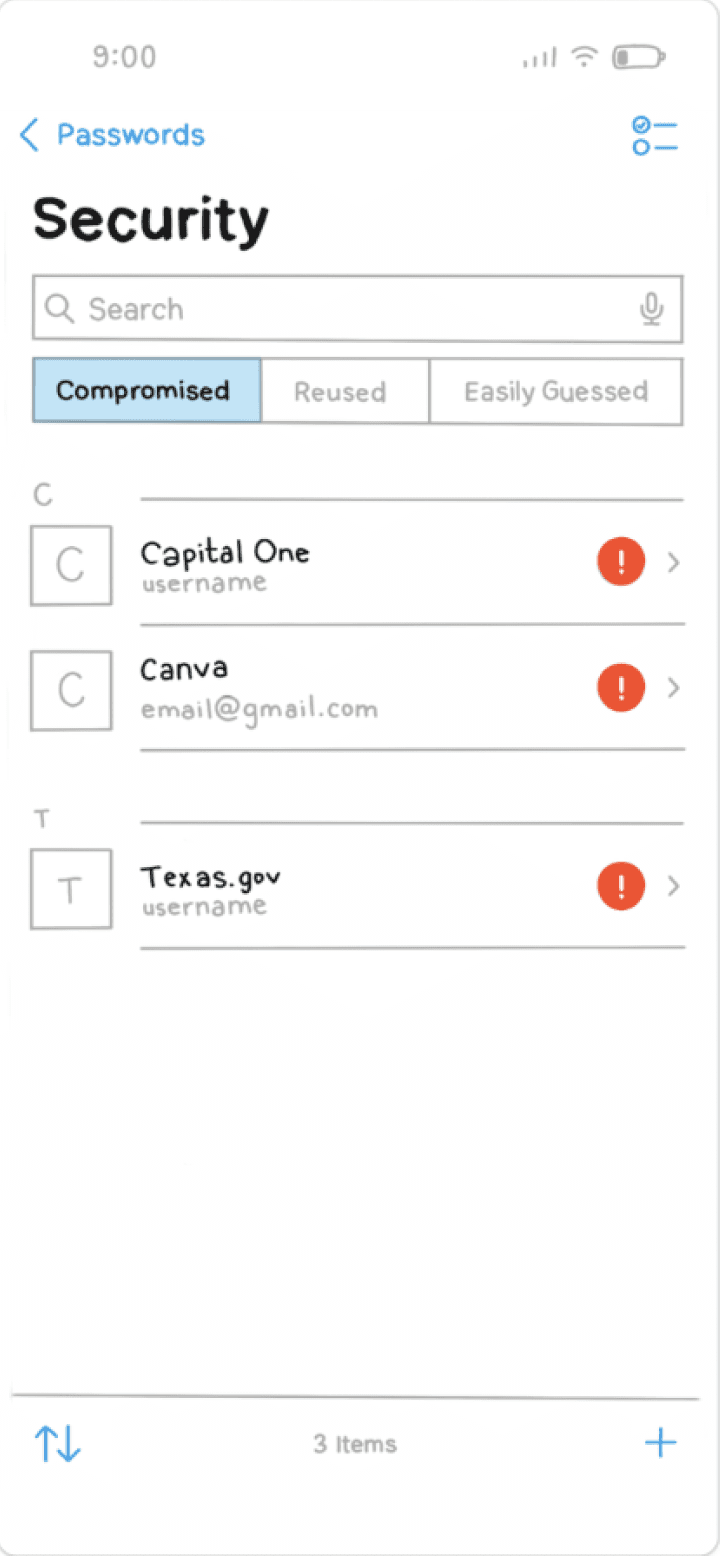
Sorting tabs.
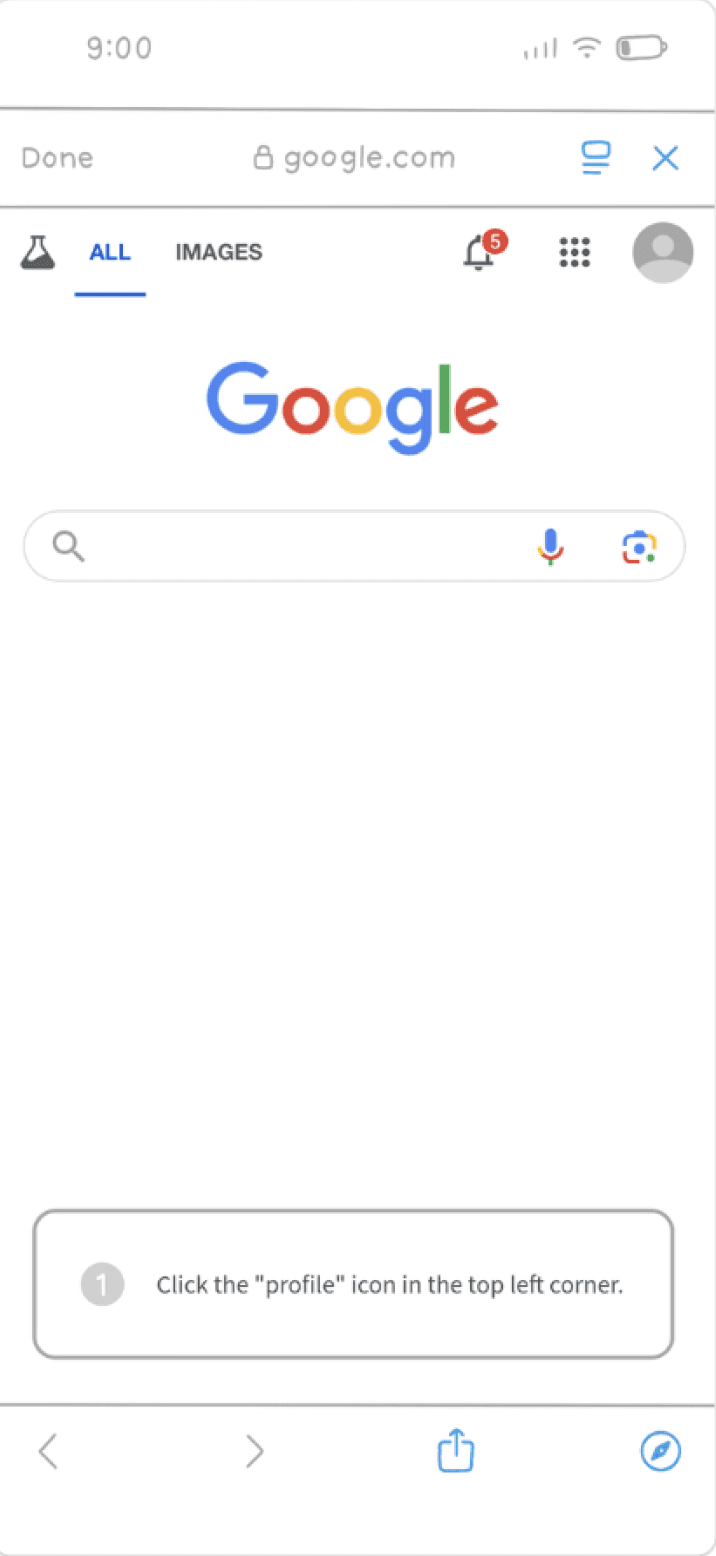
Password change guide.

user testing insights
5 participants tested each prototype and were interviewed about their use habits.
Users rely on having a personal connection to their passwords.
The difficulties users experienced trying to remember and retype computer generated passwords outweighed account safety concerns.
Users responded well to password change prioritization icons.
Users responded well to the use of icons (! > !!!) indicating the suggested priority of password changes.
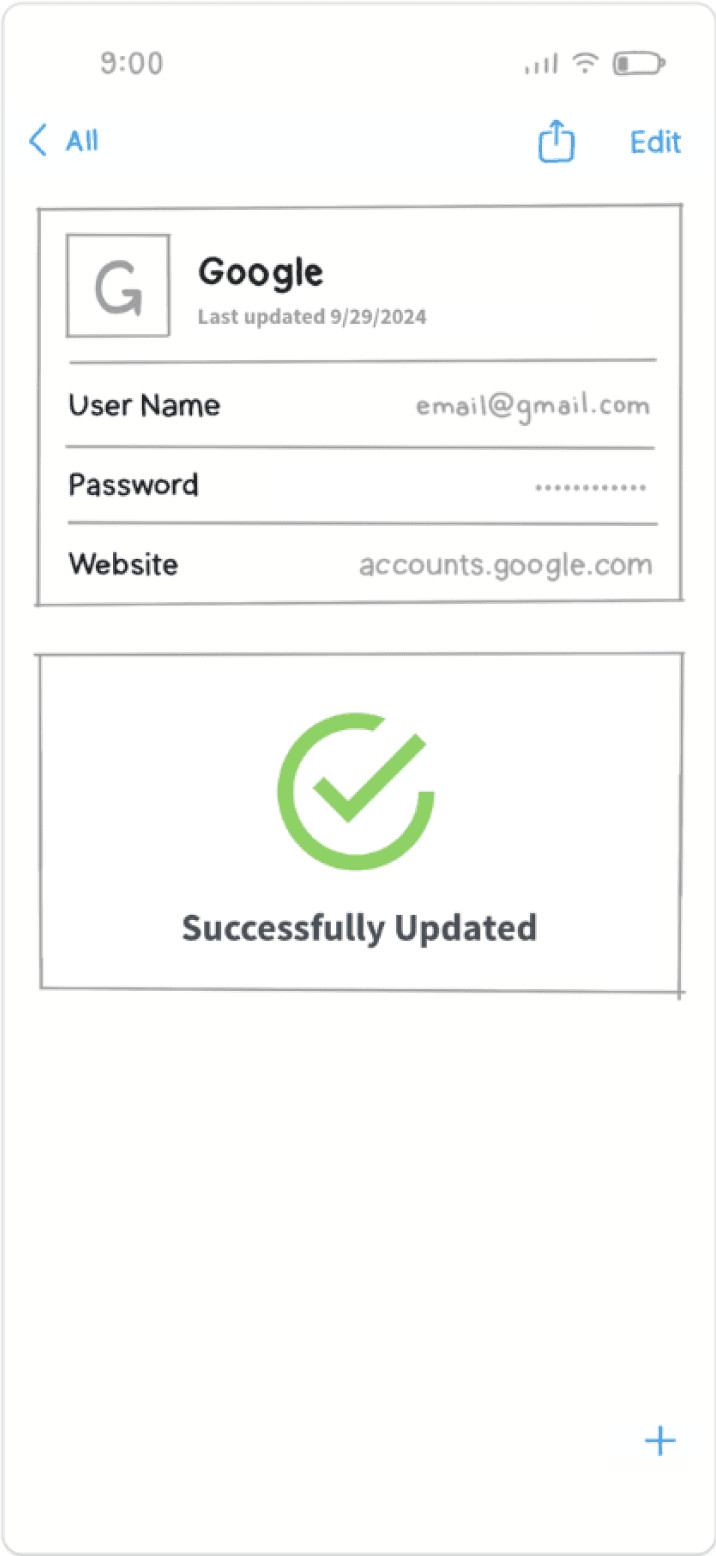
Users experienced less confusion using the new password change walkthroughs.
Participants were able to easily change their passwords by using the on-screen password changing instructions.
DESIGN
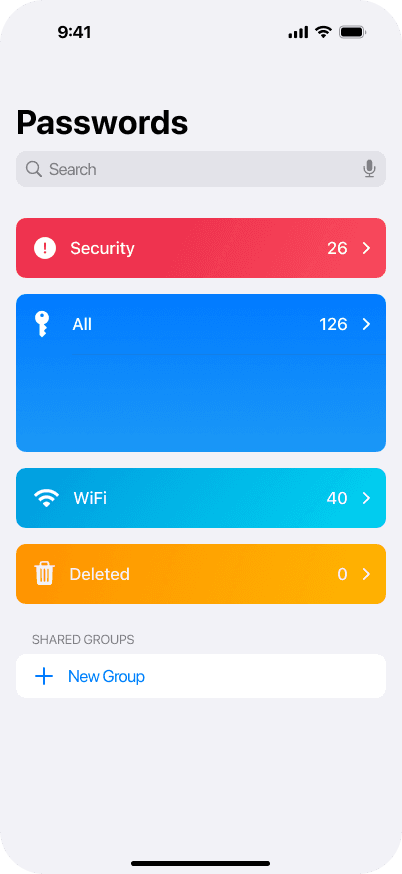
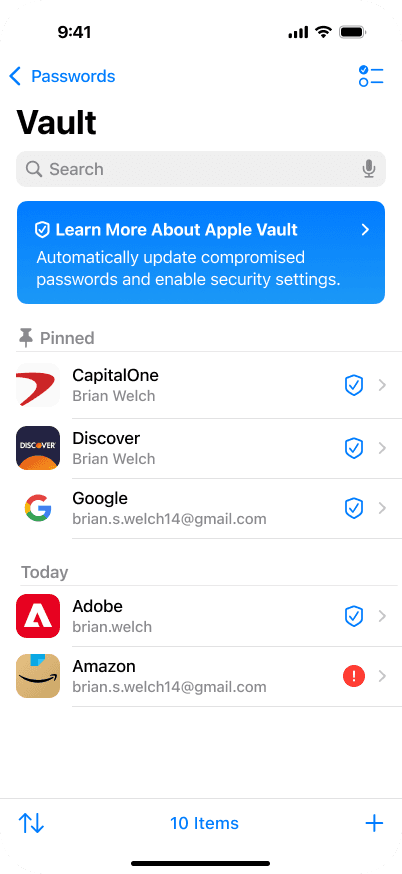
Apple Vault allows users to update many passwords easily.
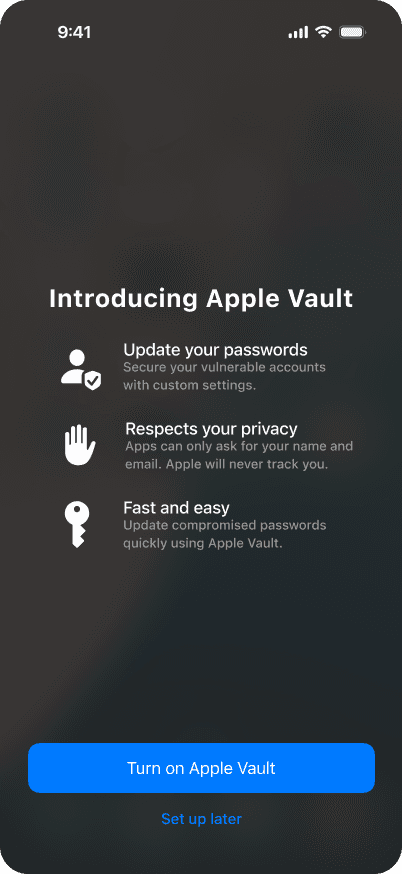
After the update, users will be greeted with an onboarding screen explaining the new features.
When Apple Vault is activated, it will create, store, and change account passwords as needed.
Users can be more actively engaged managing account security through customization settings.
DESIGN
Sign-in quickly. From anywhere.
Use Sign-in with Apple to easily create new accounts and login to old ones from anywhere, password free.
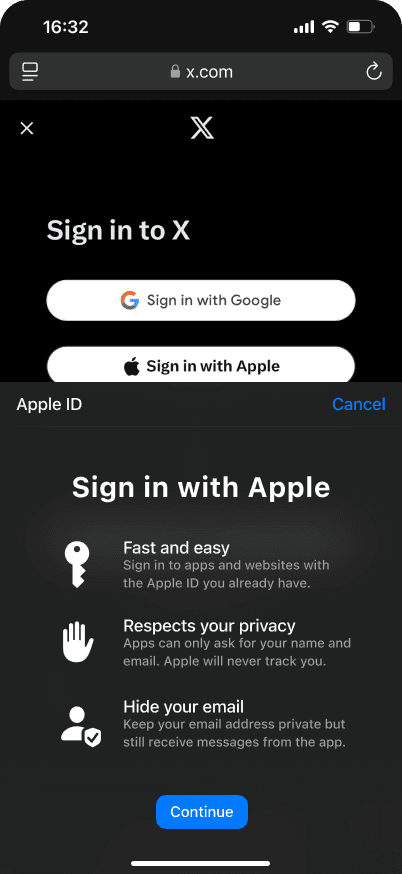
✓ Sign-in with Apple on a phone.
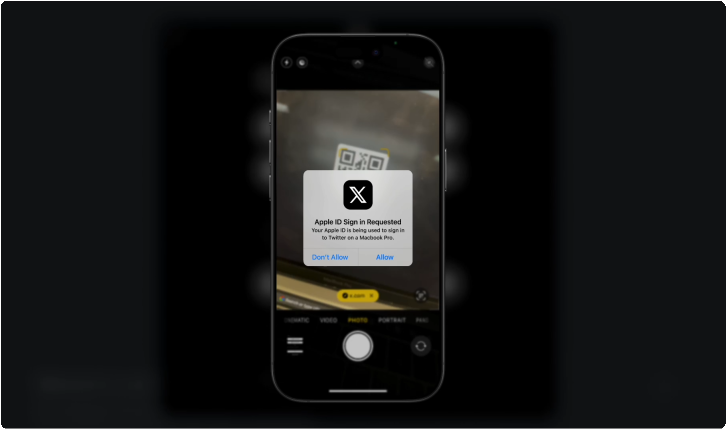
✓ Securely sign-in to new devices password-free with MFA methods.
DESIGN
Stay in control of your personal information with customizable security settings.
No more compromised accounts or difficult to remember passwords. Use Apple Vault to automatically update passwords, enable one time passwords, and ensure credit security.
Prevent hackers from accessing your information after a data leak. Apple Vault automatically changes compromised passwords.
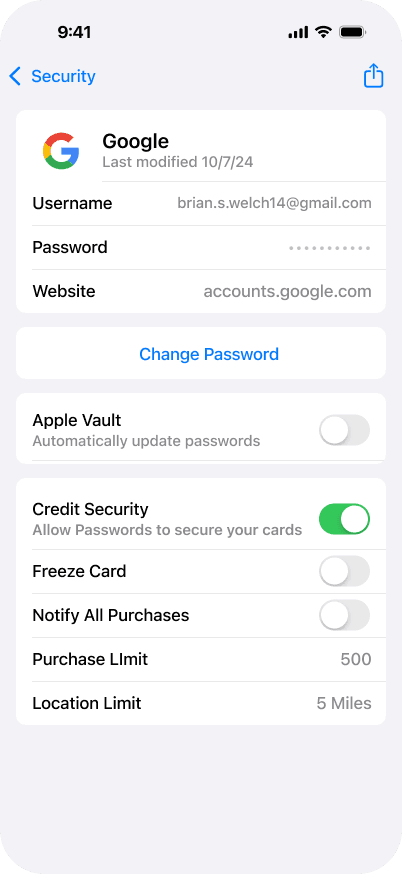
Customize how much account data you share. Protect your most important accounts on every level, including credit security.
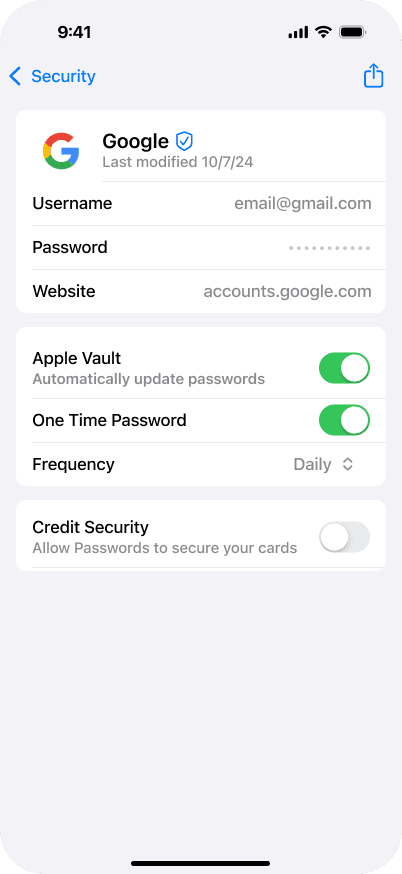
Be proactive about data leaks with security settings that change your password on a regular basis. You can see updated passwords anytime.
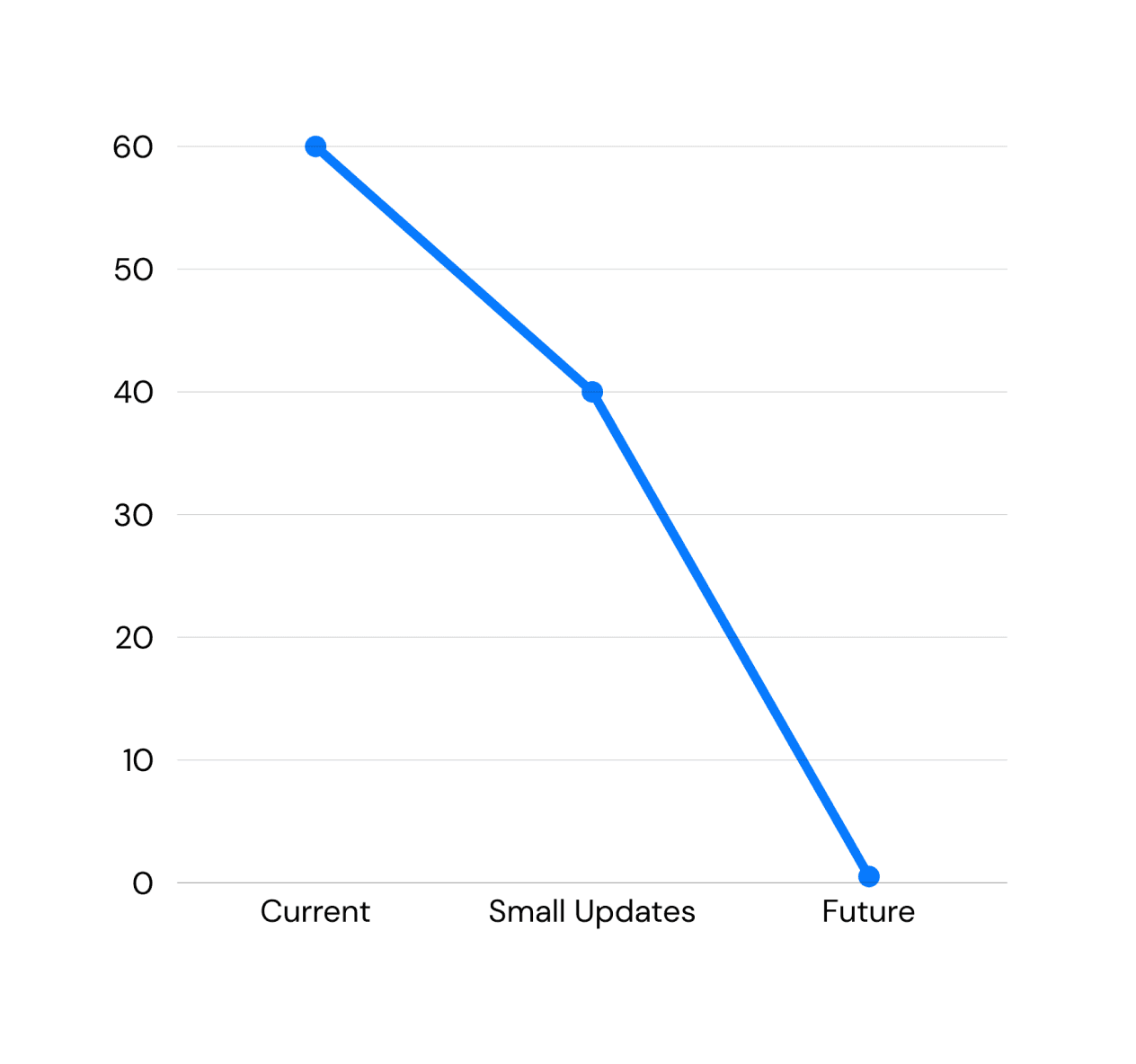
Time taken (in minutes) to update 10 passwords.
Next steps
The average time taken to change passwords should decrease significantly.
60% of Apple’s active users should utilize the Passwords app and its new features.
Reach a 30+ net promoter score (NPS). While Apple’s overall NPS score is high, the passwords app specifically was rated -83 when 11 participants were surveyed.
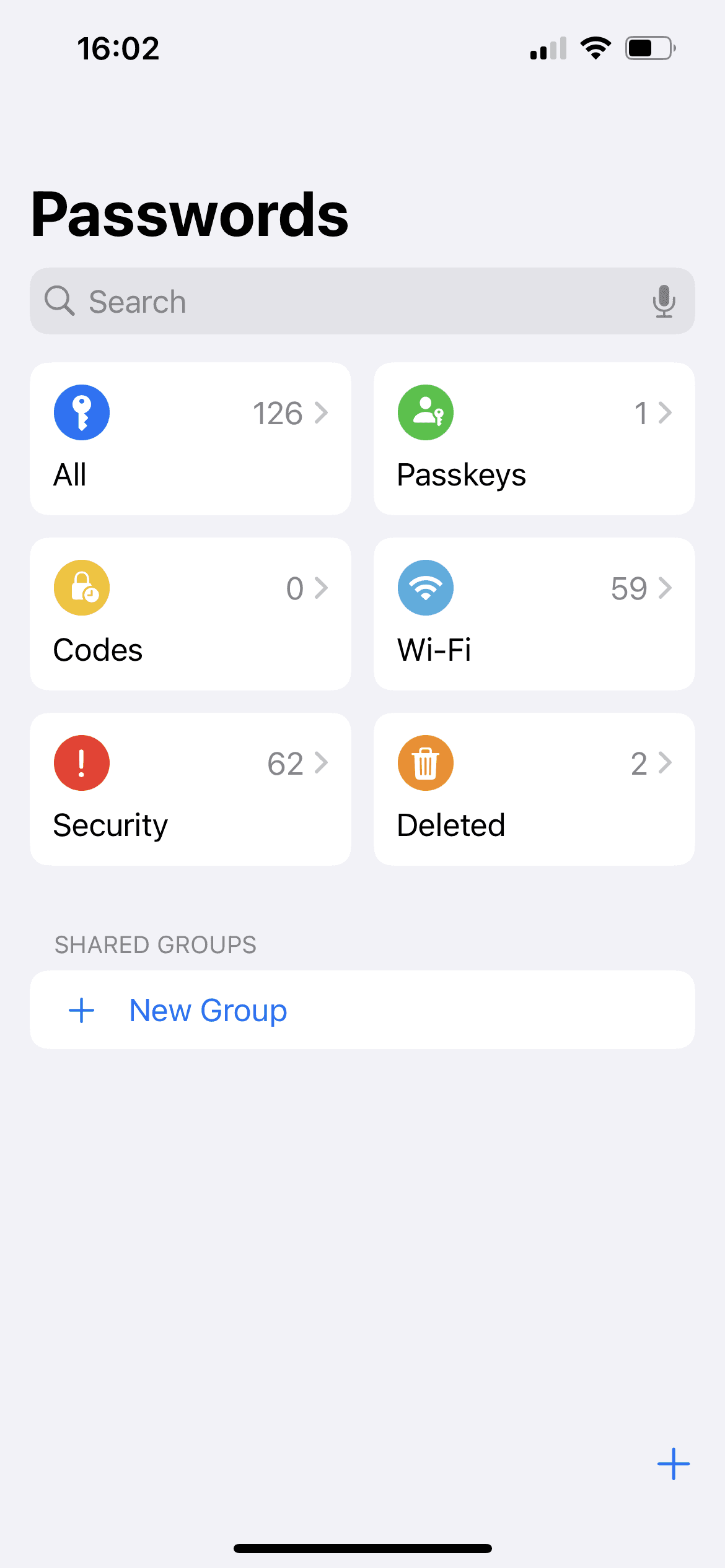
iOS 18, 10+ Clicks
iOS 18.5, 3+ Clicks
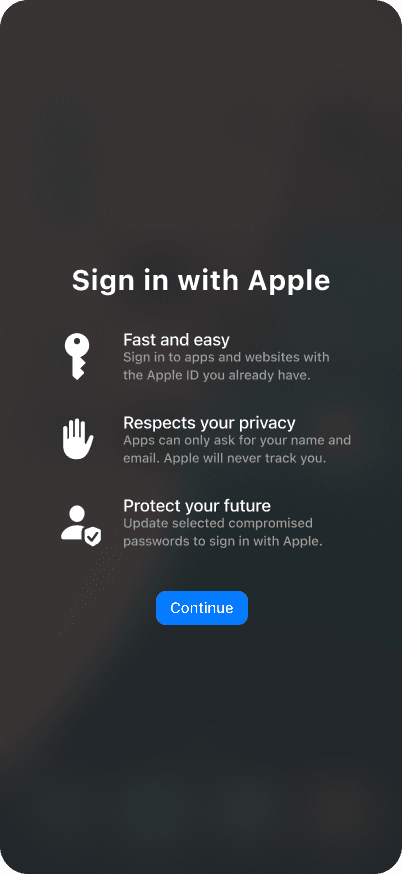
iOS 30, 1 Click
FINAL RECOMMENDATIONS
Gradual updates will build trust with users.
Build the bridge to a one-click solution.
Users must be more involved in the decision-making process at first, as many expressed distrust towards features that would change every password with one-click.
Allow users to stay in control of personal information.
Apple Vault will automatically update passwords, enable one time passwords, and secure credit data. Users can proactive about data leaks, and customizing what data is shared.
Identify additional ways to foster trust with Apple.
Survey insights from the general population can identify additional ways to encourage users to trust and stay loyal to Apple password management. Continue testing to measure long-term habit changes.